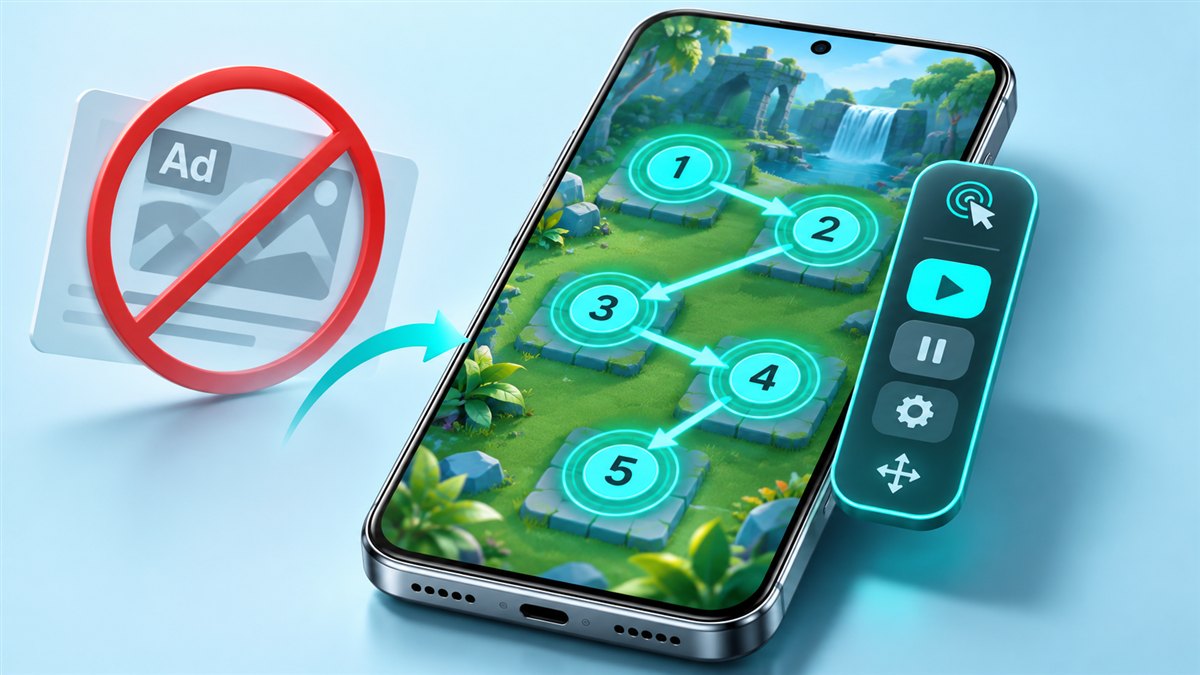
An Auto Clicker no ads APK is a build of an auto clicker app with in-app advertising removed. For a tool that runs on top of other apps, ads are more than an annoyance: they can interrupt a running sequence. This guide explains why, and what to check in any ad-free build.
Why ads are a problem for auto clickers
Free apps often show banners or full-screen ads. In an auto clicker, an ad that appears while a sequence is running can:
- Cover the area where your targets are placed.
- Receive taps that were meant for the app underneath.
- Pause your workflow until you close it manually.
Because the auto clicker taps fixed screen positions, it has no way to know that an ad is in the way.
What an ad-free build changes
An ad-free build typically removes the code or configuration that loads ads. The tapping features themselves usually stay the same. Some modified builds also unlock options that were limited in the original. Since every build is different, treat any list of changes as something to confirm inside the app.
Auto Clicker no ads APK vs Auto Clicker Mod APK
| Term | What it usually refers to |
|---|---|
| No ads APK | A build focused on removing advertising |
| Mod APK | Any modified build; ad removal is a common change, but not the only possible one |
In practice the two terms overlap a lot. The beginner guide explains the MOD label in more detail.
What to check in any ad-free build
Permissions
Removing ads should never require extra permissions. An auto clicker needs accessibility access and overlay permission. Requests for contacts, messages or call logs are a warning sign.
Behaviour after installation
Open the app and use it for a few minutes. If unexpected pop-ups, redirects or notifications appear, uninstall it.
Where the file came from
Use a source you trust. The download section shows whether a package is available here.
If you want to support an original developer, consider their official app and any paid upgrade they offer. Ad-free builds from third parties are not endorsed by original developers.
Tips for smoother ad-free automation
- Turn on Do Not Disturb during long sessions so notifications do not cover targets.
- Place targets away from screen edges, where system gestures and banners appear.
- Use a stop timer so the sequence does not run longer than needed.
Get started
Check the download section for availability, then use the installation and troubleshooting guides to set up the app.
How ad placement affects a tap routine
Advertising can affect automation in several different ways. A banner may reduce the usable screen area, while a full screen interruption can hide the intended target entirely. A popup shown after saving a profile can disrupt setup without appearing during an active session. These differences matter because removing one type of advertisement does not prove that every interruption has disappeared. Describe where an ad appears and what action triggers it before deciding whether an ad free build addresses your actual problem.
Consider a target placed near the bottom edge of a screen. If a banner occupies that area, the intended control may shift upward or become covered. A saved coordinate can then point to the wrong place even though the tap sequence itself is unchanged. The problem is the relationship between the target and the visible layout. After any interface change, reposition the target and run a short check. Do not assume that hiding a banner leaves every button at its previous location.
Check an ad free claim in practice
Evaluate the ordinary workflow rather than looking only at the first screen. Open the app, create a profile, save it, return to the main controls, and start a short demonstration. Note whether interruptions appear at any of those stages. If the claim is limited to a particular screen or mode, keep that distinction in your notes. A single quiet session is an observation, not proof of every future condition, especially when you do not know exactly how a modified package was changed.
Keep functional checks separate from advertising checks. Verify that the app can still save target positions, preserve intervals, and stop a sequence promptly. A clean interface does not automatically mean the underlying automation works well. Likewise, an interruption from the target app should not be attributed to the auto clicker without checking where it originated. Identify which app owns the visible screen before deciding what an ad free package can reasonably change.
Build an uncluttered setup
Move the floating control panel away from both the intended target and important navigation buttons. Leave enough room to pause the session without accidentally pressing an adjacent control. When possible, place the target near the center of a large button rather than at its edge. This makes small layout shifts easier to notice and reduces ambiguity about what the sequence is trying to press. An uncluttered arrangement is useful regardless of whether advertising is present.
Use a short stop limit for your first test and watch the entire sequence. If a dialog appears, pause before deciding how to handle it. Adding another automatic tap to dismiss every unexpected window can create a fragile routine because different dialogs may put different controls in the same place. A better approach is to understand why the interruption occurred and whether the task remains predictable. Removing visible ads solves only one possible source of changes on the screen.
Questions about no ads builds
Does no ads mean the app needs no permissions? No: interface behavior and gesture access are separate matters. Does it mean the app works without any connection? That depends on the functions involved and the target app. Does it guarantee faster taps? An advertising claim does not establish timing accuracy. These distinctions keep expectations realistic and help you evaluate the feature that actually matters: whether the application can carry out a controlled routine without covering or moving the intended targets.
Conclusion
Auto Clicker No Ads APK searches are usually about a cleaner, less interrupted experience. Check the whole workflow, identify which app causes interruptions, and verify that target positions and stop controls remain dependable. Judge ad free behavior separately from compatibility and automation quality. A clear screen is useful when it supports a routine you can supervise and understand.
Related guides

Auto Clicker App for Games Mod APK 2.6.0: Setup and Fair-Use Tips
How to set up targets and timing for games, how to check the version you installed and where automation crosses the line.
Read guide
Auto Clicker Mod APK Platinmods and Winzo Searches: Safety and Fair Play
What to know about mod forums like Platinmods, and why auto clickers do not belong in real-money games such as Winzo.
Read guide